The privacy screen lock for WindowsYour screen.
Your rules.
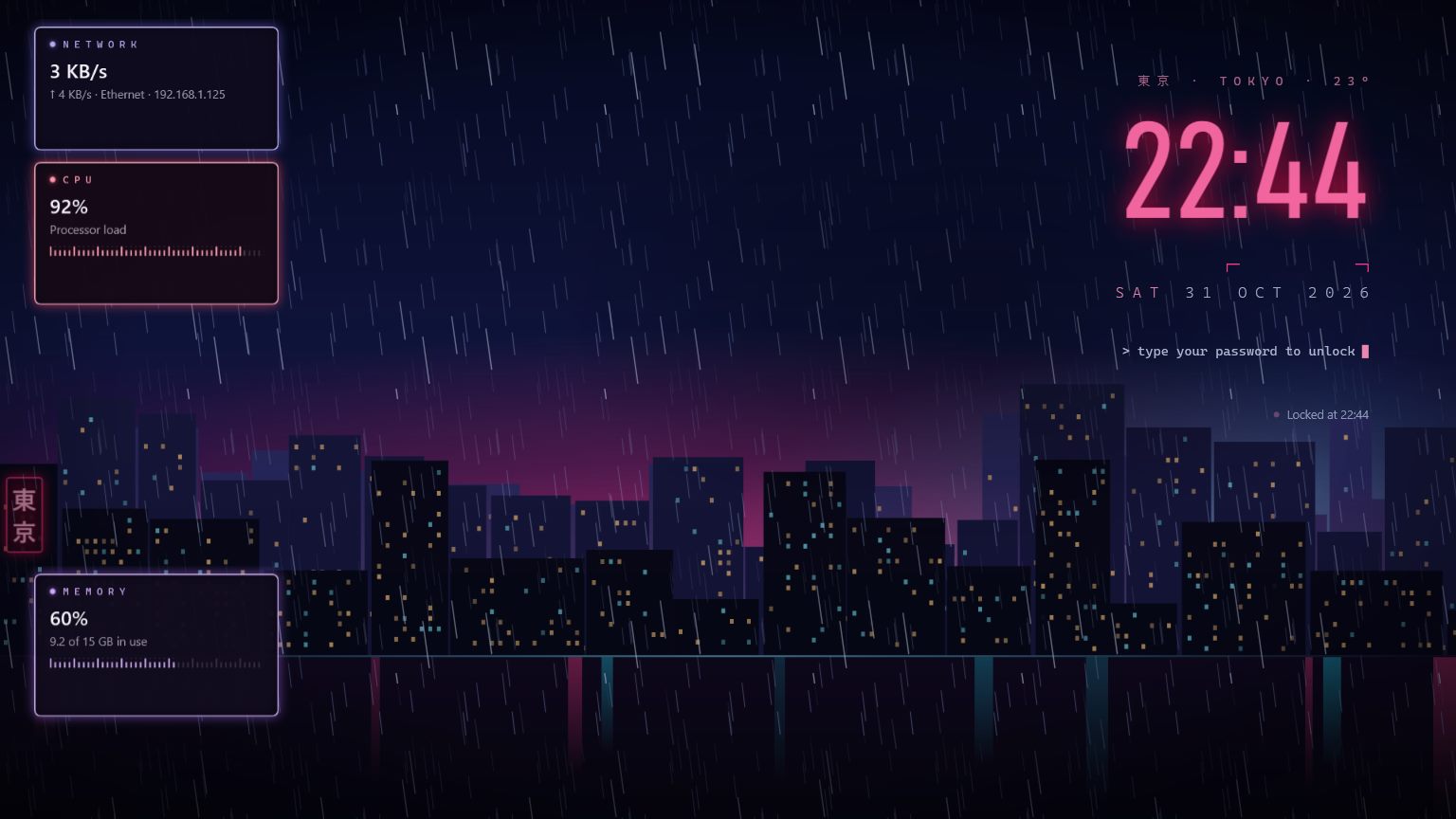
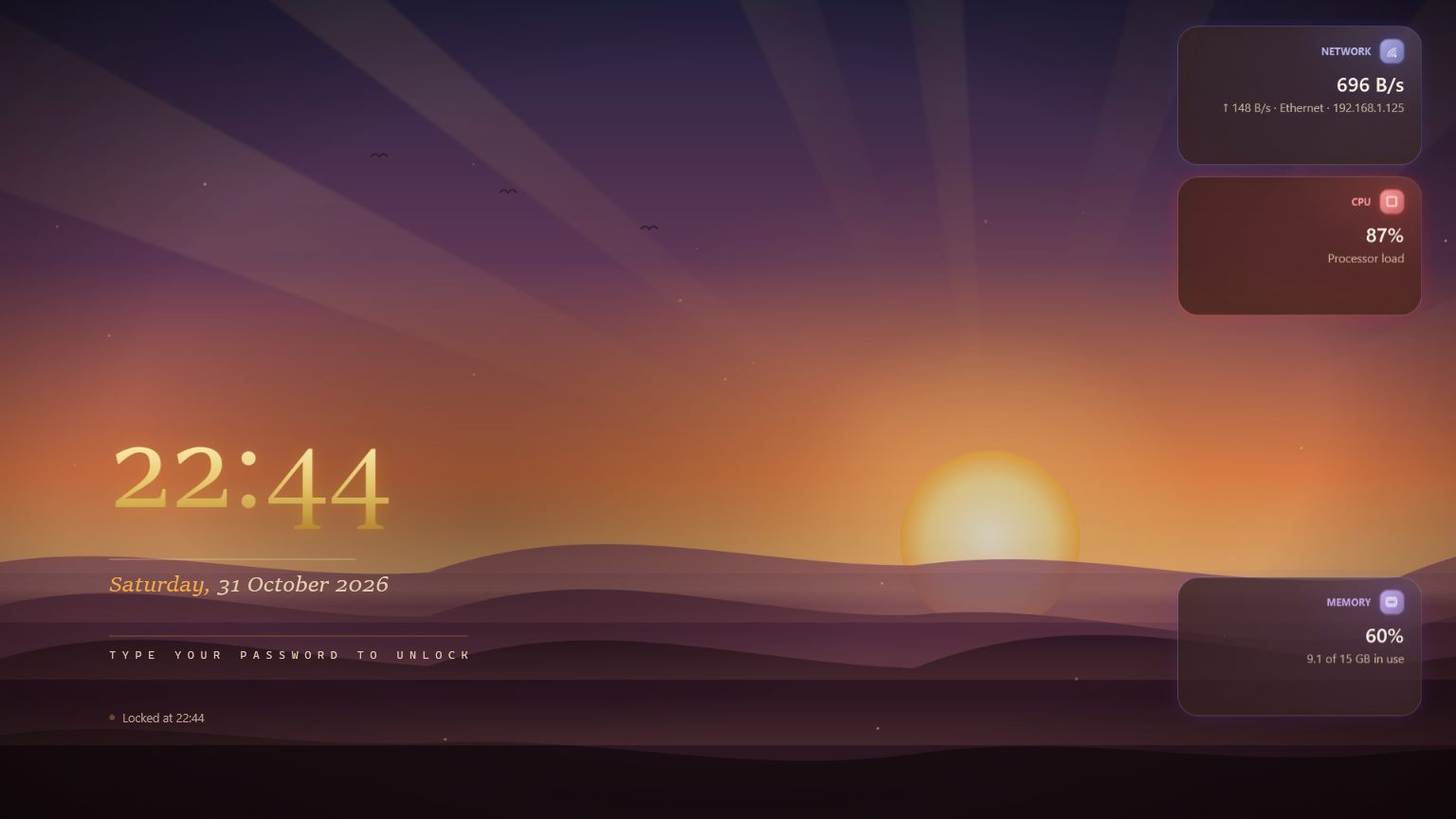
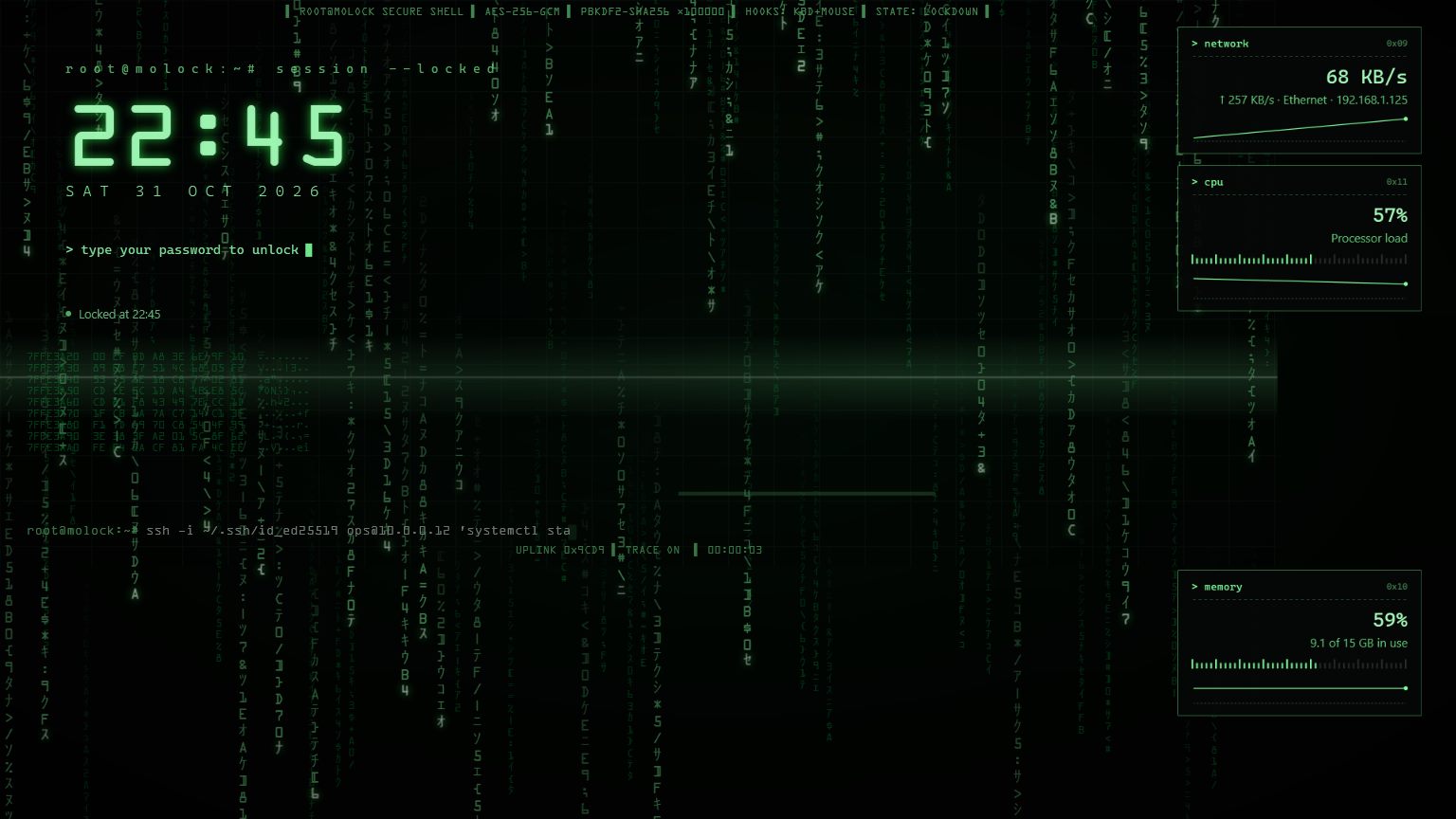
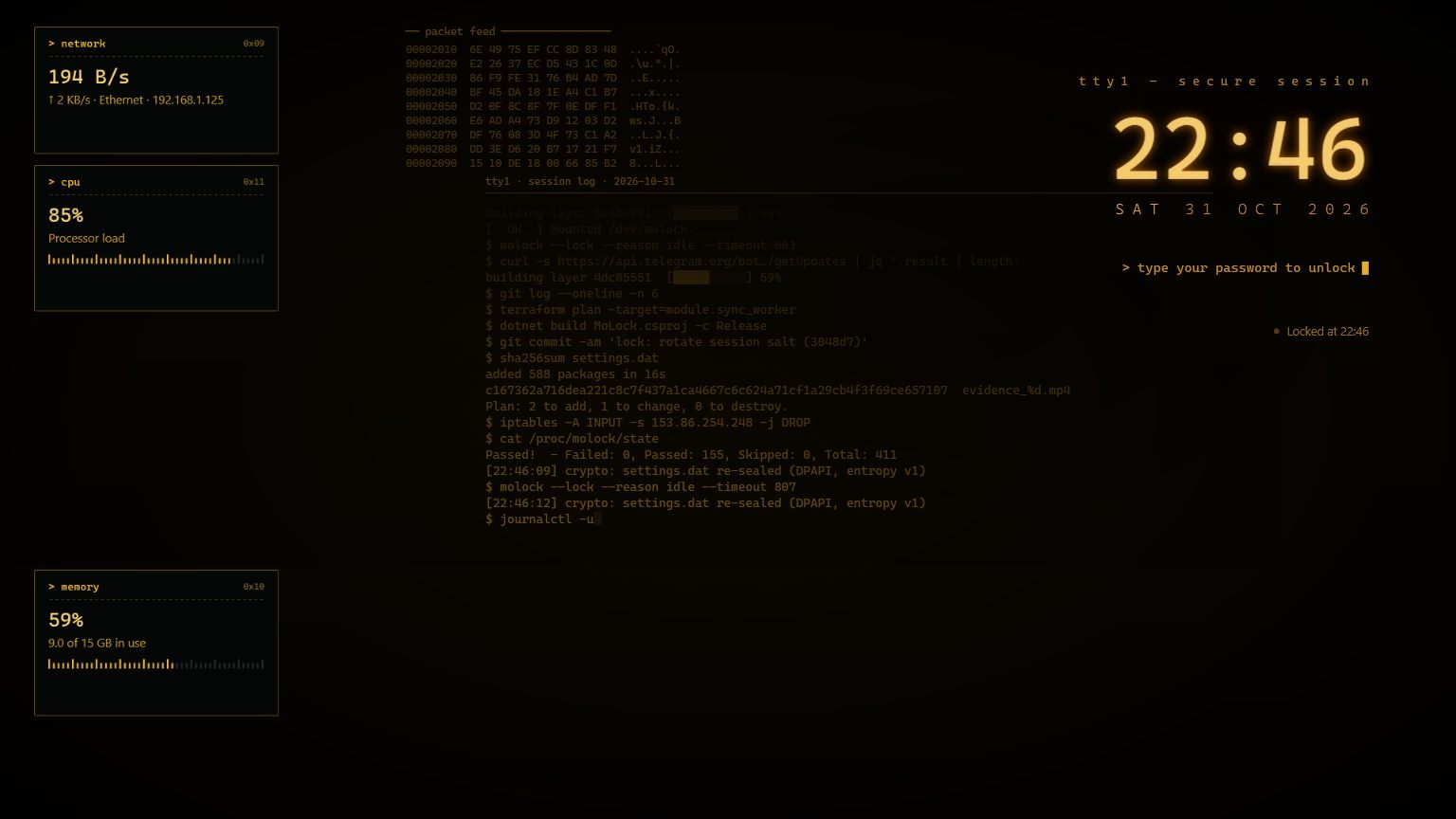
Unlock by simply typing your password. Take full control of your PC from any browser — even your phone — and manage every PC you own from one MoLock Account or Telegram, wherever you are. If anyone approaches your locked PC, their photo reaches you in about a second.
Free for Windows 10 & 11No adsEnglish & Arabic
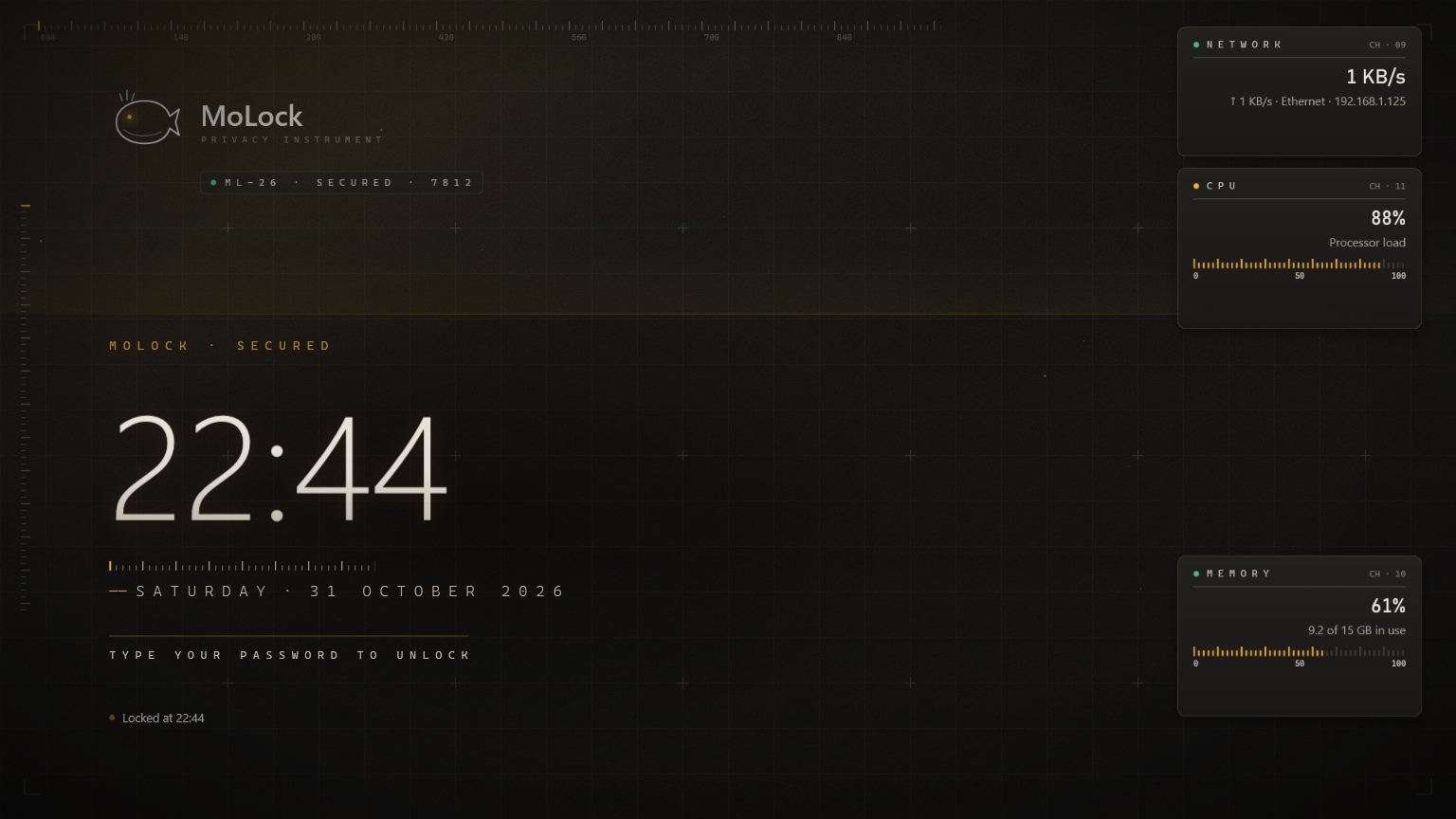
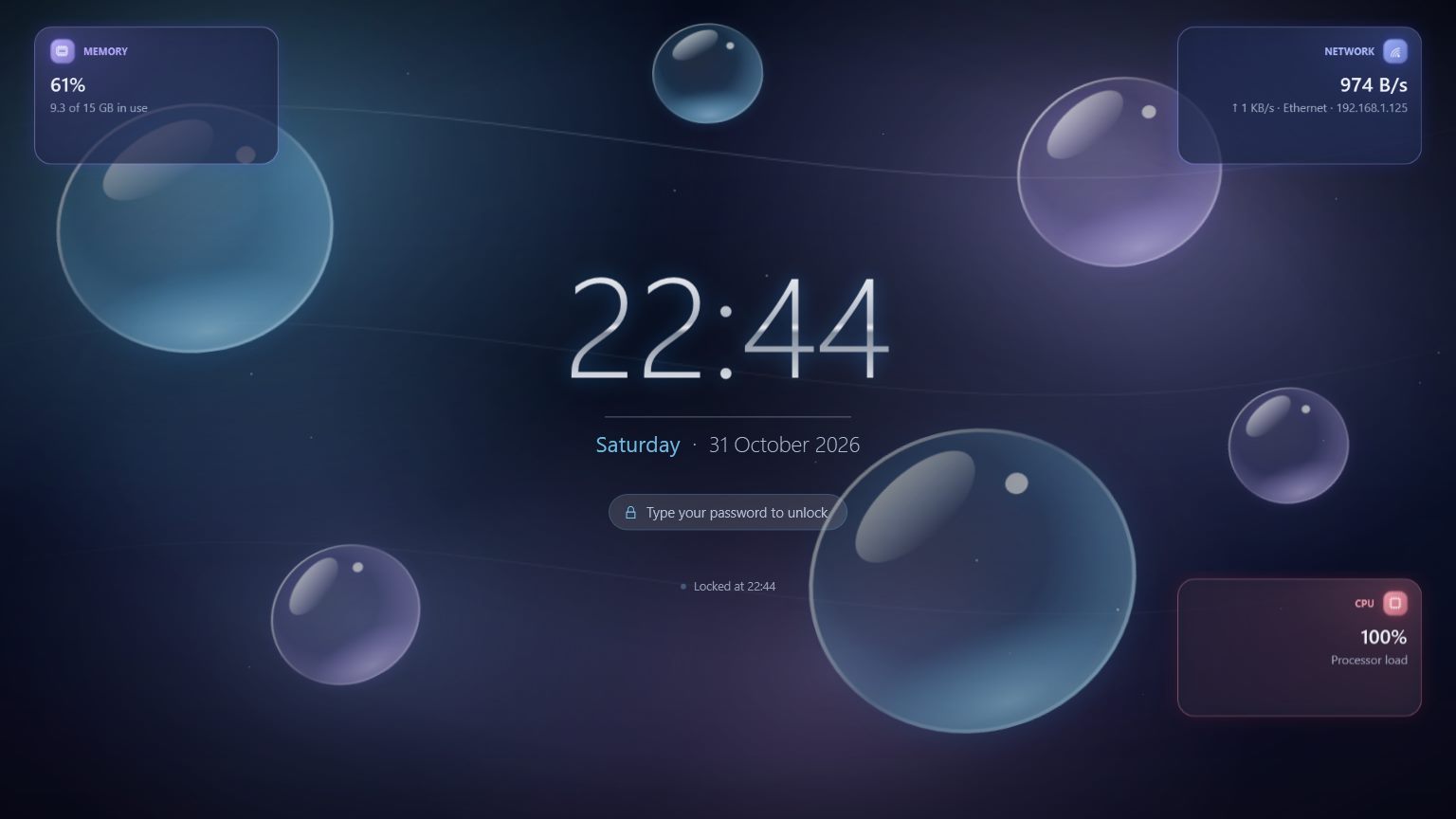
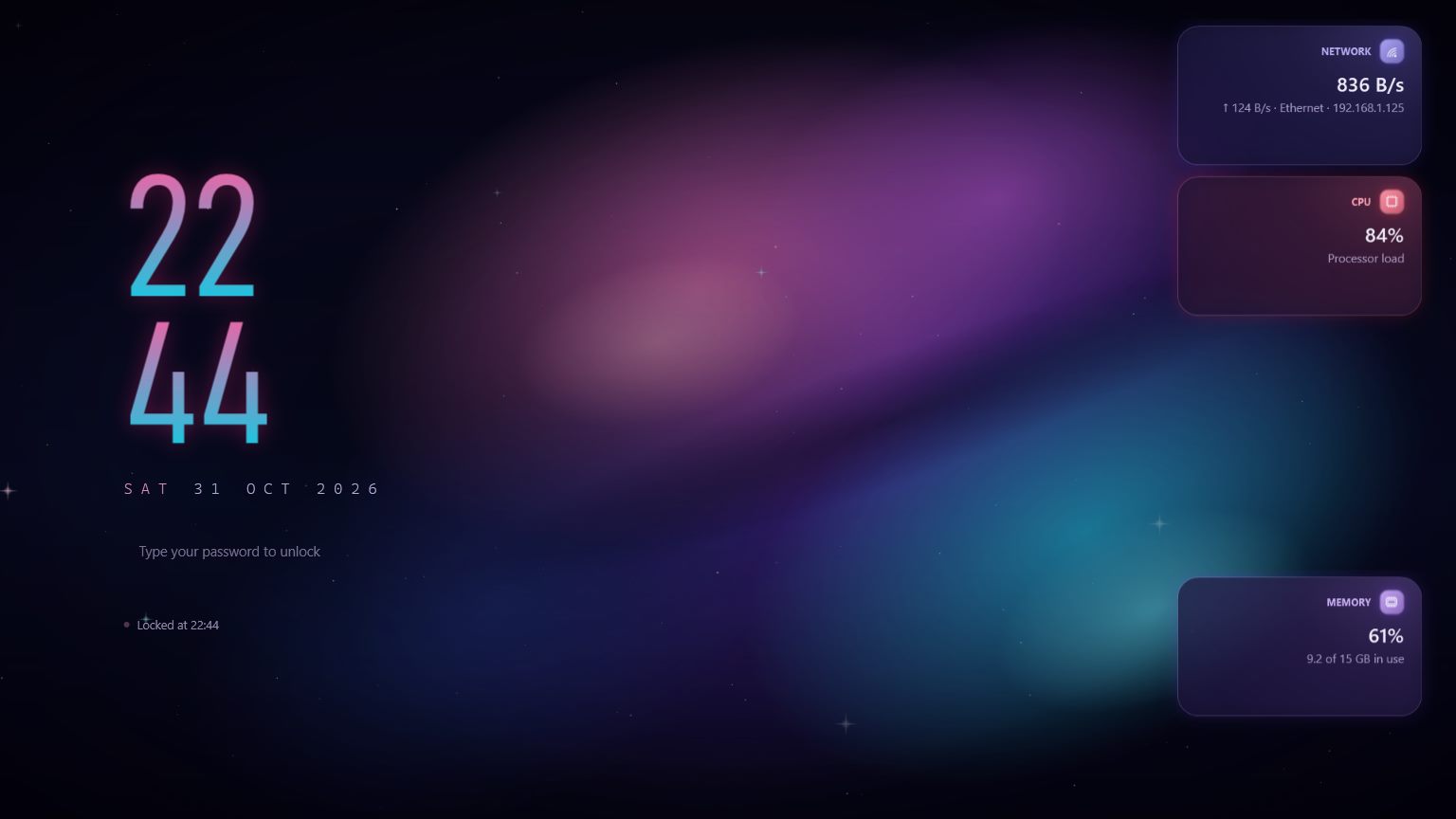
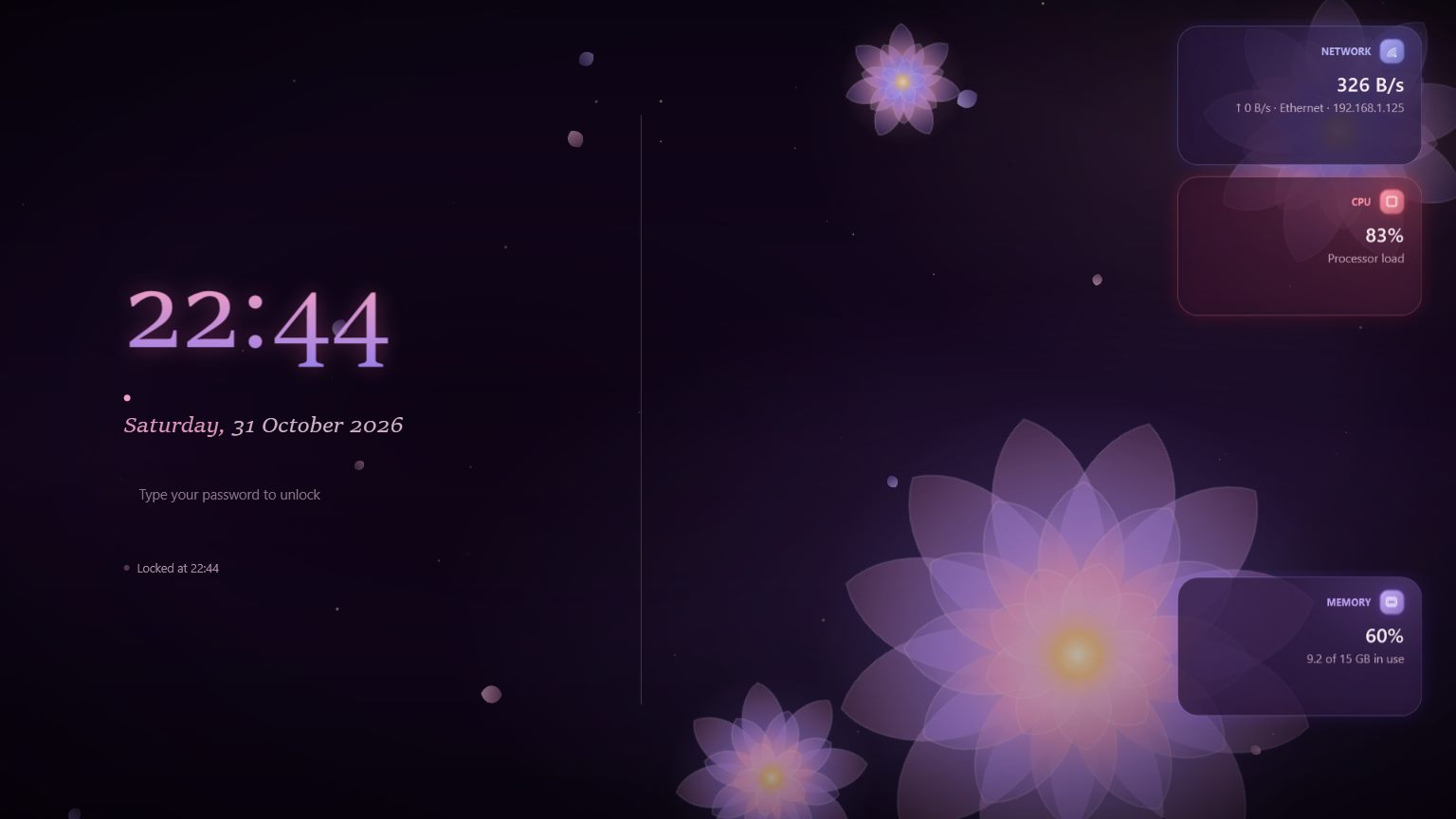
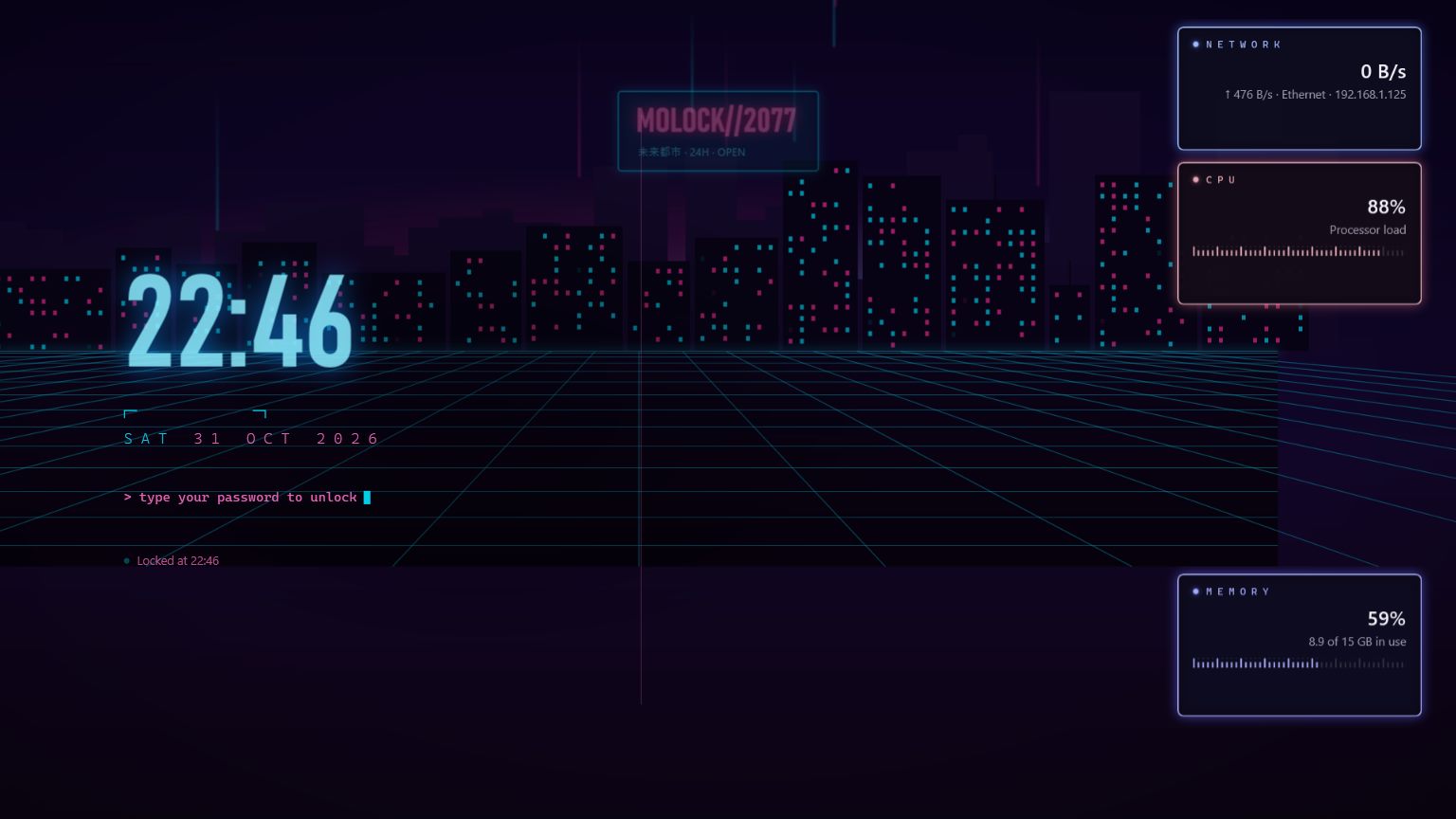
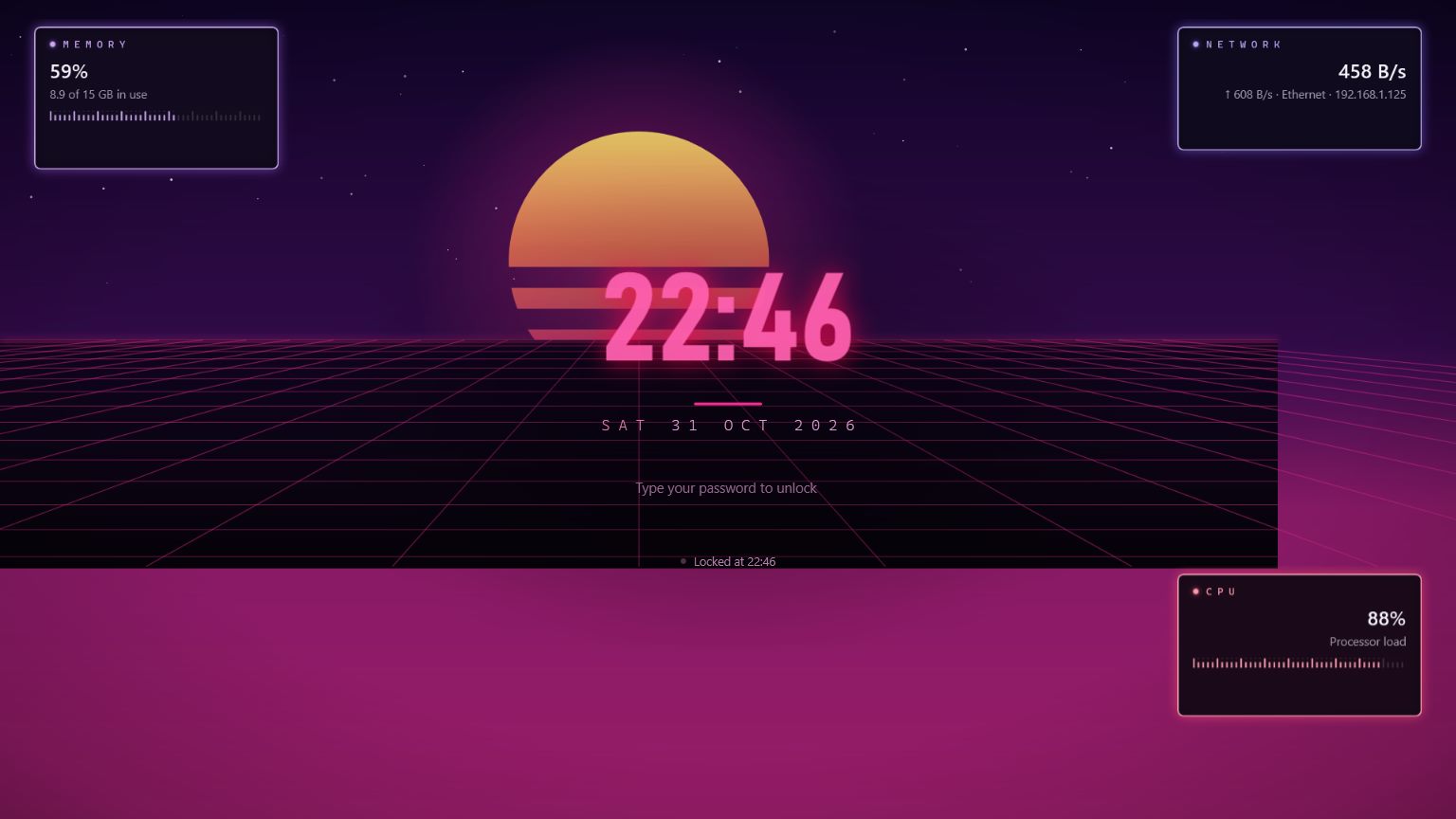
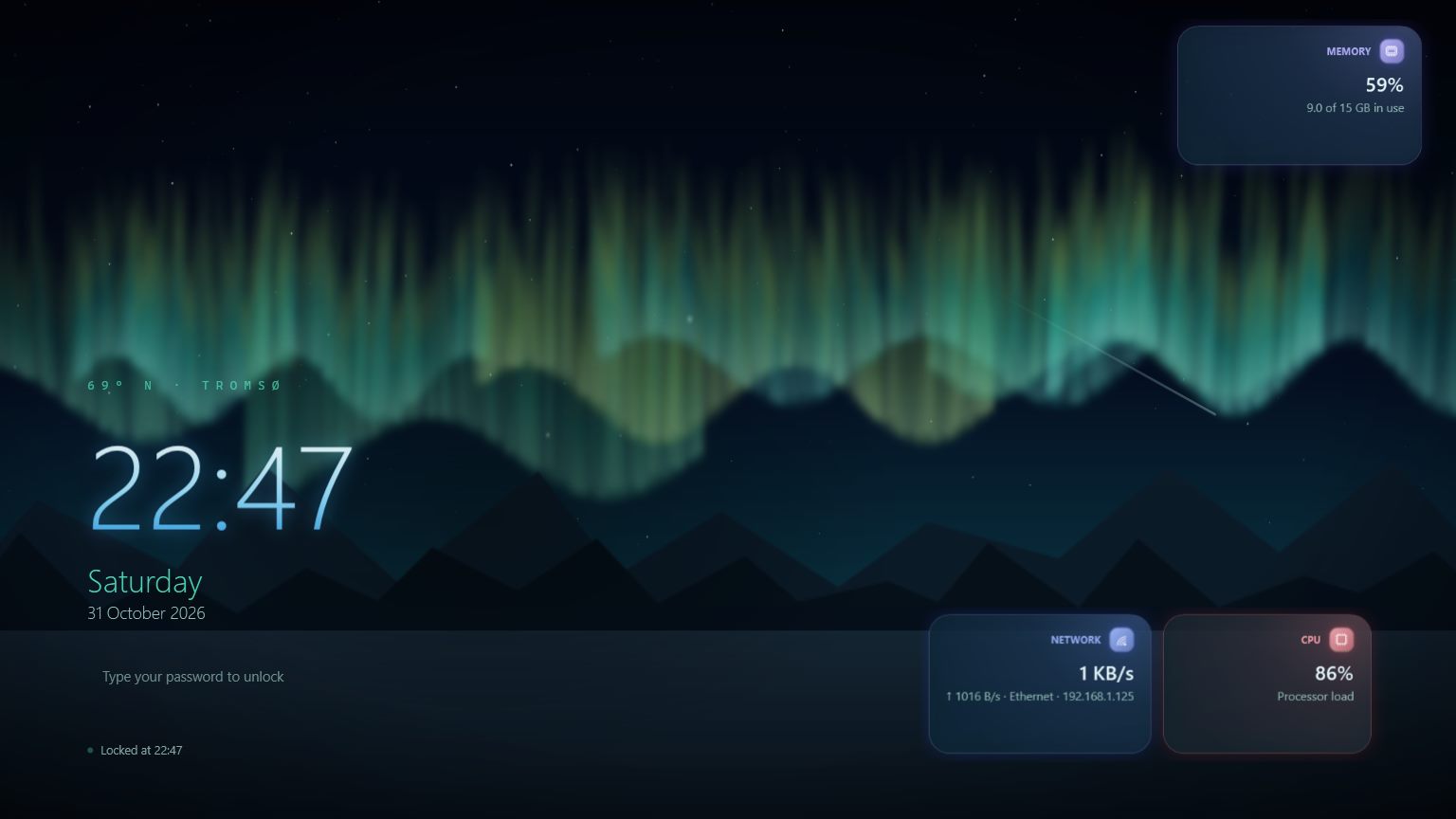
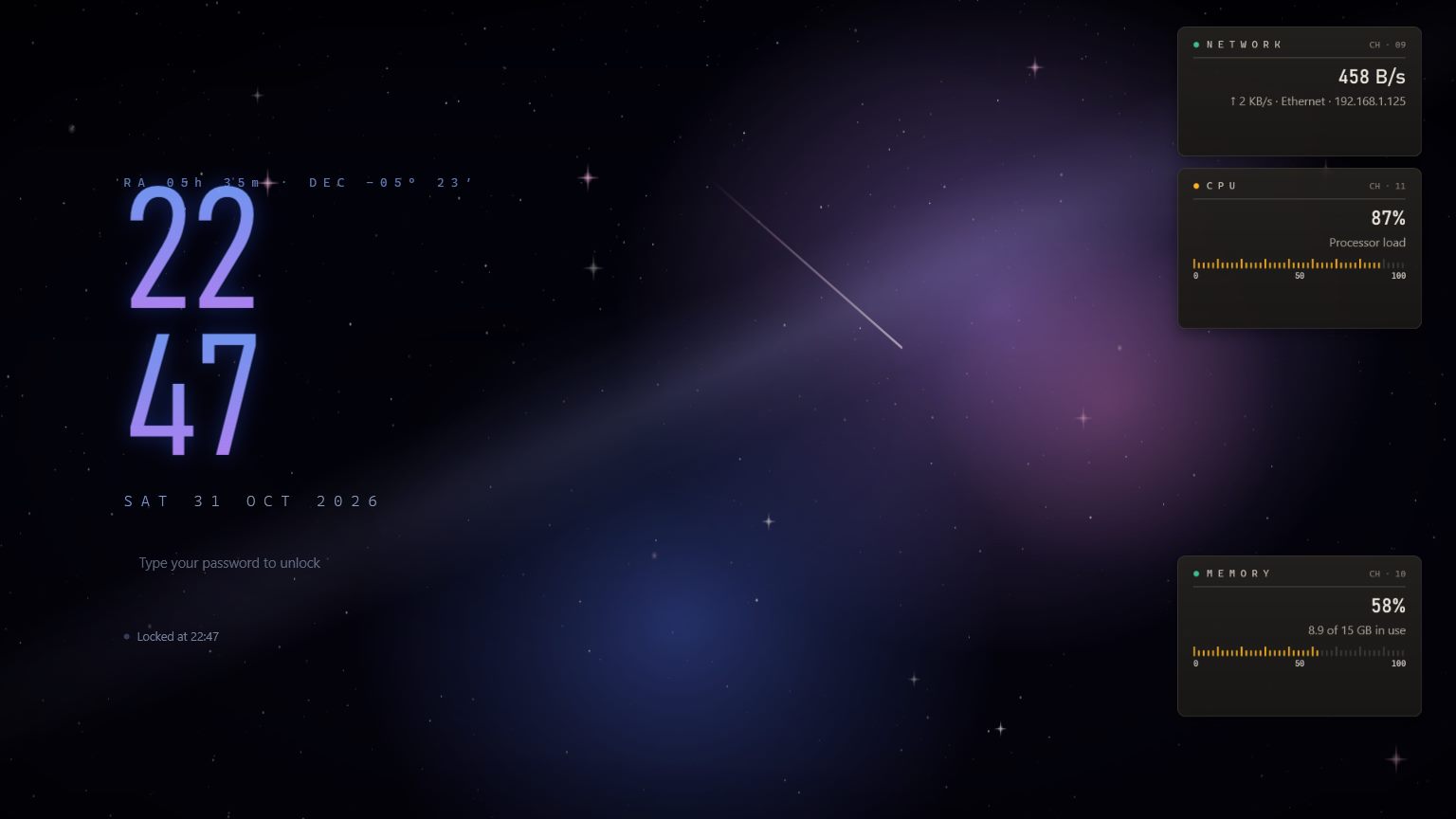
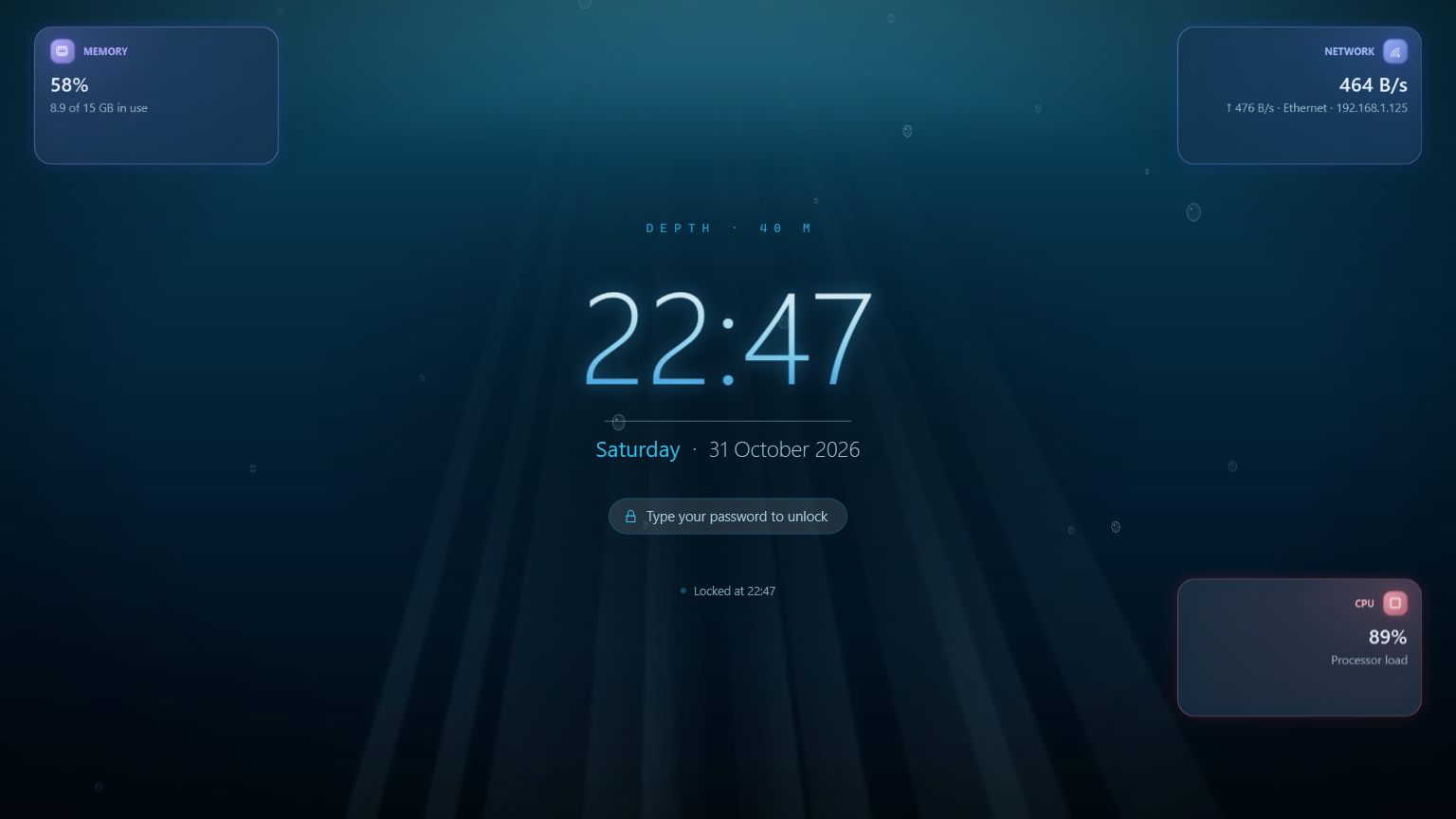
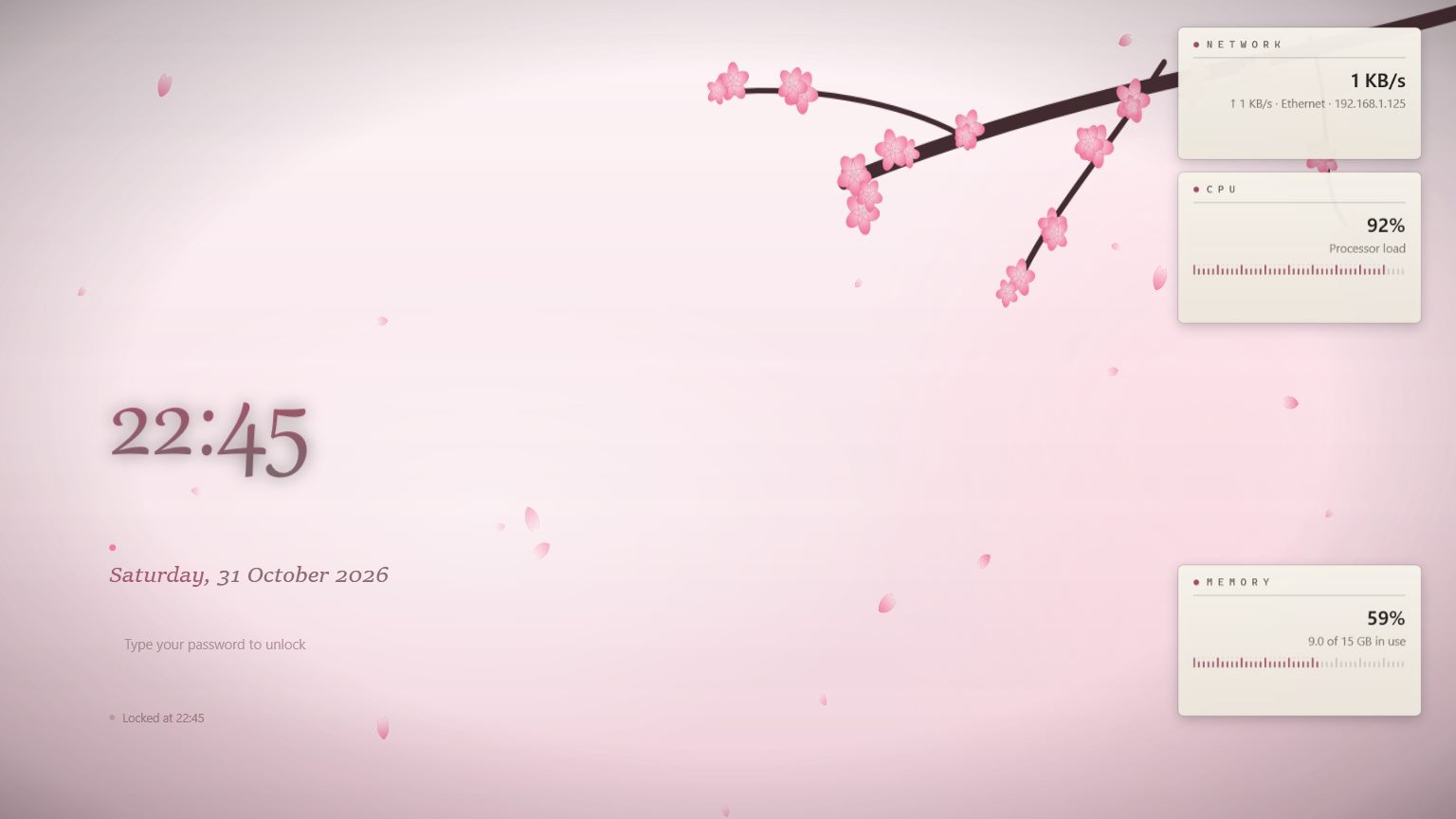
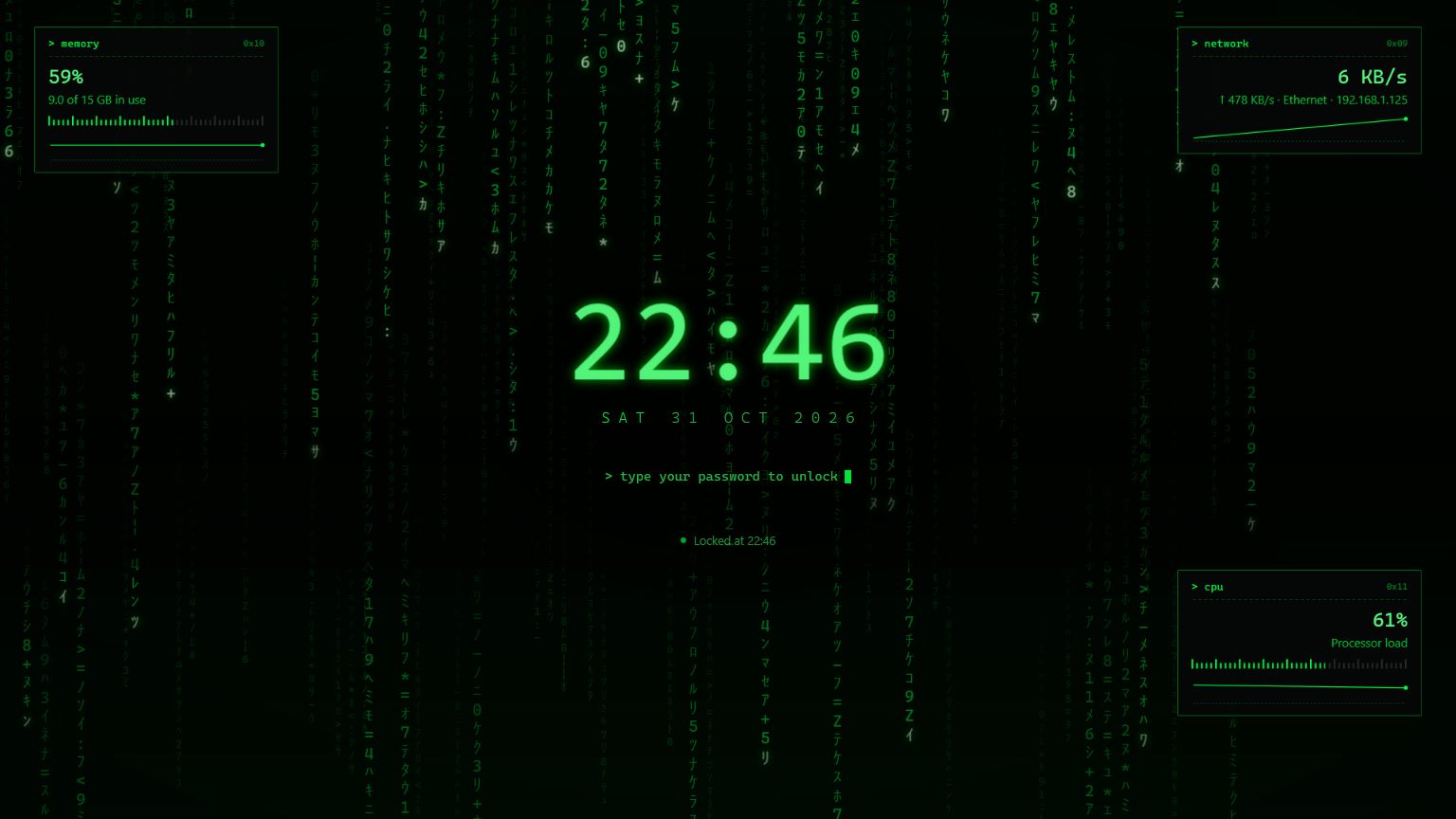
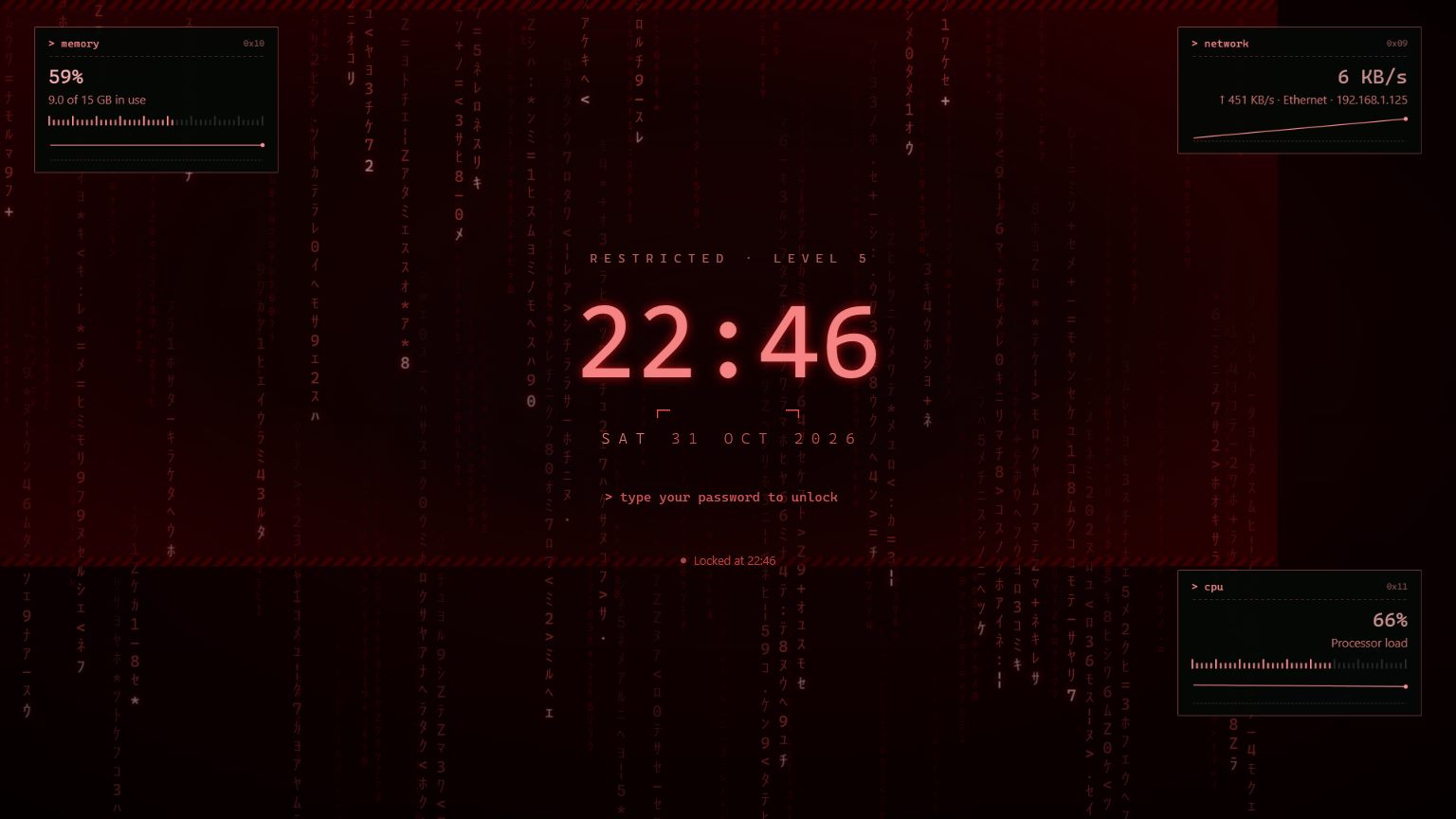
- Animated themes35
- Widgets35+
- Telegram commands80+
- Ads0FREE
02 / 17Release log
What ships in this release
"7ot.app": one domain for everything, your own encrypted email, family & parental controls, a fast pro converter, an install that's harder to tamper with and alerts on the channel you choose — with a real free plan, and Premium for when you need more.
- + ADD
Your 7ot.app email
A free name@7ot.app address, stored encrypted to your account key, with an inbox right in MoLock and on the web.
- + ADD
Family & parental controls
Daily limits, bedtime, blocked categories and "ask for more time" — approved from your phone.
- + ADD
Pro converter
Images, PDF, video, audio, office and archives — on your PC, in parallel, fastest path first.
- + ADD
Safer install & launch password
Program Files for every user, a password before Settings open, silent updates verified file by file.
- + ADD
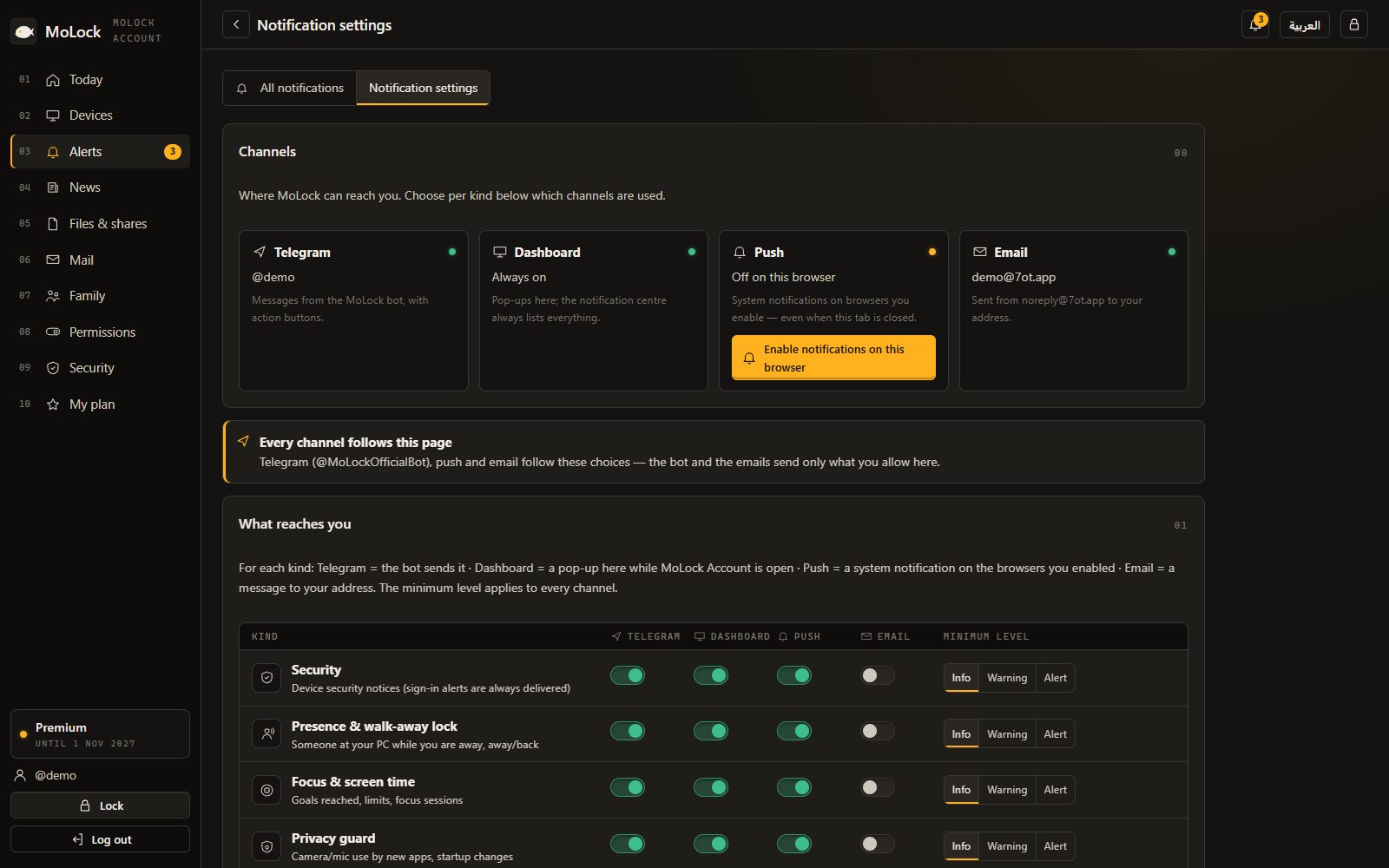
Push & email alerts
Bot, web, push or email for every alert — with quiet hours. Telegram becomes optional.
- + ADD
Free & Premium
The essentials stay free. Premium adds room, family and pro tools with one serial for several PCs.
- ↑ IMP
Remote: direct, guests, chat
A faster direct connection, view-only guests by invite, session chat and clipboard images.
- ↑ IMP
Adhan audio & hadith
Full or short adhan with a choice of voices, online or offline times, and an optional hadith widget.
03 / 17New in 3.0
Five new features. One domain.
They all work with your account at 7ot.app — and your PC's local protection never depends on any of them.
- Inbox2
- Sent
- Drafts1
- Spam
- Archive
- Trash
- Storage92 MB / 500 MB
Search your mail
- Cairo BankYour October statement is ready
- Ahmed SamirSlides before tomorrow's meeting
- MoLockA new PC was linked to your account
- Book StoreOrder 4821 is on its way+shop
- MonaTrip photos 📷
Messages are stored encrypted to your account key; the server can't read them later
FamilyPremium
- YouOwner · full controlOnline
- Omar · 12OMAR-PC · 1 h 20 left today
- Laila · 9FAMILY-PC · bedtime in 40 minAllowed
- Grandma · helperInvited by link · pendingInvite
Omar asks for more time · "finishing homework"+30No
4 of 7 members · weekly report every Sunday
8 parallel jobs · sized to your CPURunning
- holiday-2026.mov → MP41.8 GB → 412 MB · Copied, no re-encode
- IMG_4410.heic → JPG3.1 MB → 1.2 MB
- contract.docx → PDF86 KB → 140 KB
- lecture-03.mkv → MP42.4 GB → … · Graphics card64%
- podcast-ep12.wav → MP3512 MB → …22%
- novel.epub → PDF4.2 MB · Queued0%
CancelPreset: "For sharing"Metadata: stripped
- Welcome
- Install location
- Password
- Account & email
- Ready
For everyone on this PCC:\Program Files\MoLockProtected
- Desktop shortcut
- Start menu
- Ask for the password when MoLock opensRecommended
- Your personal dataStays in your Windows profile
One administrator approval now; updates after that are silent and verified
InstallBack
04 / 17Plans
Genuinely free. Premium when you need it.
Everything that protects your PC stays free, with no ads. Premium adds room, family and pro tools — with one serial that covers several PCs, and no card payments on the site.
- FreeUp to 2 PCs · 500 MB · mail · remote control
- PremiumUp to 10 PCs · 20 GB · family · pro converter · recording
- ActivationIn setup, Settings or the dashboard
PlansFree · Premium
| Free | Premium | |
|---|---|---|
| PCs linked to your account | 2 | 10 |
| Cloud storage (files, mail and recordings) | 500 MB | 20 GB |
| Emails you can send per day | 20 | 500 |
| Remote minutes per day | 60 | Unlimited |
| Session recording | — | |
| Pro converter: video, audio, office, ebooks, presets, batches over 20 | — | |
| Dashboard history kept | 30 days | 400 days |
| Family members | 0 | 6 |
Premium comes with a serial that covers several PCs · no card payments on the site
01 / 17Instrument panel
182 capabilities. One app.
28 modules working together — from the moment the screen locks to the evidence on your phone, from your account to your everyday tools.
-
M-01New · 3.04 ch
7ot.app email
- Your own address
- Encrypted at rest
- Folders and filtering
- New-mail alerts
-
M-02New · 3.04 ch
Family & parental controls
- Limits and schedules
- Category blocking
- More-time requests
- Weekly report & tamper alerts
-
M-03New · 3.04 ch
Pro converter
- A menu per extension
- Fastest path first
- Batches and presets
- Basic free, pro with Premium
-
M-04New · 3.04 ch
Safer install & launch password
- Protected folder
- Launch password
- Silent, verified updates
- Self-check
-
M-05New · 3.04 ch
Alerts: bot, web, push & email
- Push notifications
- Readable emails
- Quiet hours
- In-app news
-
M-065 ch
Walk-away lock
- Multi-signal presence
- Calibration walk test
- Grace countdown with Cancel
- Welcome back & quick unlock
- Someone typing while you're away
-
M-075 ch
Focus & screen time
- Honest screen time
- Goals & limits with gentle nudges
- Focus sessions & schedules
- Desktop & lock-screen widgets
- Weekly report & remote start
-
M-085 ch
Privacy guard
- Camera & mic watchdog
- Shoulder-surfing guard
- Panic key
- Screen-sharing safe mode
-
M-094 ch
Prayer times
- Active desktop widget
- Ten calculation methods
- Adhan & reminders
- Hijri date & Ramadan
-
M-104 ch
Network guard
- Who's on your network
- Router connection
- Wi-Fi safety
- Per-app usage & speed test
-
M-1110 ch
MoLock Remote — your PC in any browser
- Full control from a browser
- Built for phones and tablets
- End-to-end encrypted
- Multi-monitor, adaptive quality
- Files & clipboard
- Curtain mode & block input
-
M-12Upgraded · 2.913 ch
MoLock Account, dashboard & the official bot
- One account, every PC
- Dashboard first
- Passkeys & one-tap approval
- Notification preferences & quiet hours
- An official bot that works while the PC is off
- Link a PC in seconds
-
M-13Upgraded · 2.99 ch
Screenshot & screen recording
- Replaces PrintScreen
- Magnifier & snapping selector
- Arrows, shapes, text & numbered steps
- Real blur & pixelate
- Crop
- Pin to screen
-
M-14Upgraded · 2.98 ch
Advanced clipboard & sticky notes
- Clipboard history
- Pins & snippets
- Text transforms
- Arabic/English layout fix
- Phone ⇄ PC
- Sensitive data never stored
-
M-159 ch
Smart right-click tools
- Compress images with a quality slider
- Resize & convert
- Strip location from photos
- PDF from images
-
M-165 ch
MoLock Vault
- A drive in This PC
- Fully encrypted
- Locks with MoLock
- Lock it remotely
-
M-179 ch
Locking & unlocking
- Type-anywhere unlock
- Recovery code
- Authenticator codes
- Duress password
- Trusted USB key
- Bluetooth phone
-
M-184 ch
PC health & daily brief
- Security score
- Space & temporary files
- Startup apps
- Daily brief
-
M-198 ch
Intruder capture & evidence
- Photo burst
- Video clip with sound
- Location & screenshot
- What was typed
-
M-2010 ch
Telegram remote control
- Lock & protection
- Protection alerts
- Camera & evidence
- Screen & control
- Device & location
- Files & programs
-
M-219 ch
Notes, reminders & unlock history
- From any browser
- End-to-end encrypted
- Unlock history with photos
- Every sign-in reported
-
M-226 ch
Motion detection & tamper alerts
- Camera motion detection
- Adjustable sensitivity
- Instant camera
- Touch alert
-
M-238 ch
Auto-lock rules
- After inactivity
- At sign-in
- On a schedule
- When your phone leaves
-
M-249 ch
Kill-resistance & hardening
- Guardian
- Optional guard service
- Protected settings
- System keys blocked
-
M-257 ch
Themes & appearance
- A complete redesign
- 35 animated themes
- Per-theme effects
- Three style profiles
-
M-266 ch
Performance
- Effect levels
- Full
- Balanced (default)
- Light
-
M-274 ch
Updates & announcements
- Silent verified updates
- Update from Telegram
- Considerate announcements
- Feedback with replies
-
M-285 ch
Languages, setup & repair
- Arabic & English
- A complete installer
- Redesigned Settings
- MoLock Fix
Status
0ads · trackers · card details
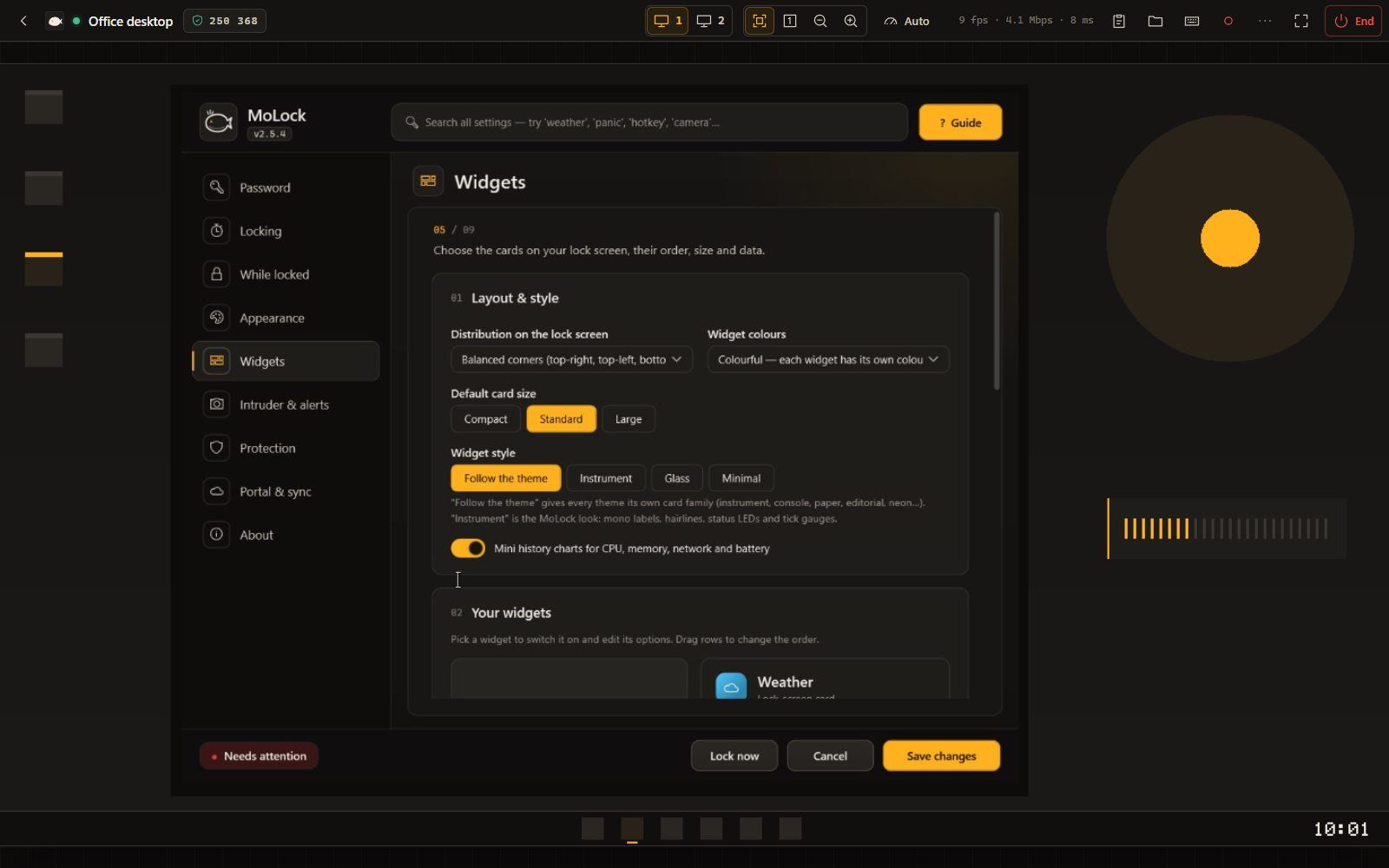
05 / 17MoLock Remote
Your PC in any browser. Even on your phone.
Open your account, pick your PC and take full control: screen, mouse, keyboard and files. End-to-end encrypted, no extra app, with a visible indicator on the PC and a message on Telegram.
- DevicesAny modern browser: computer, phone or tablet
- PhoneTrackpad or direct touch, pinch-zoom, a special-keys bar
- SecurityFresh keys every session, a 6-digit safety code
- TransparencyAn indicator on the PC, End session on Telegram, a session log
06 / 17MoLock Account
One dashboard. Every PC you own.
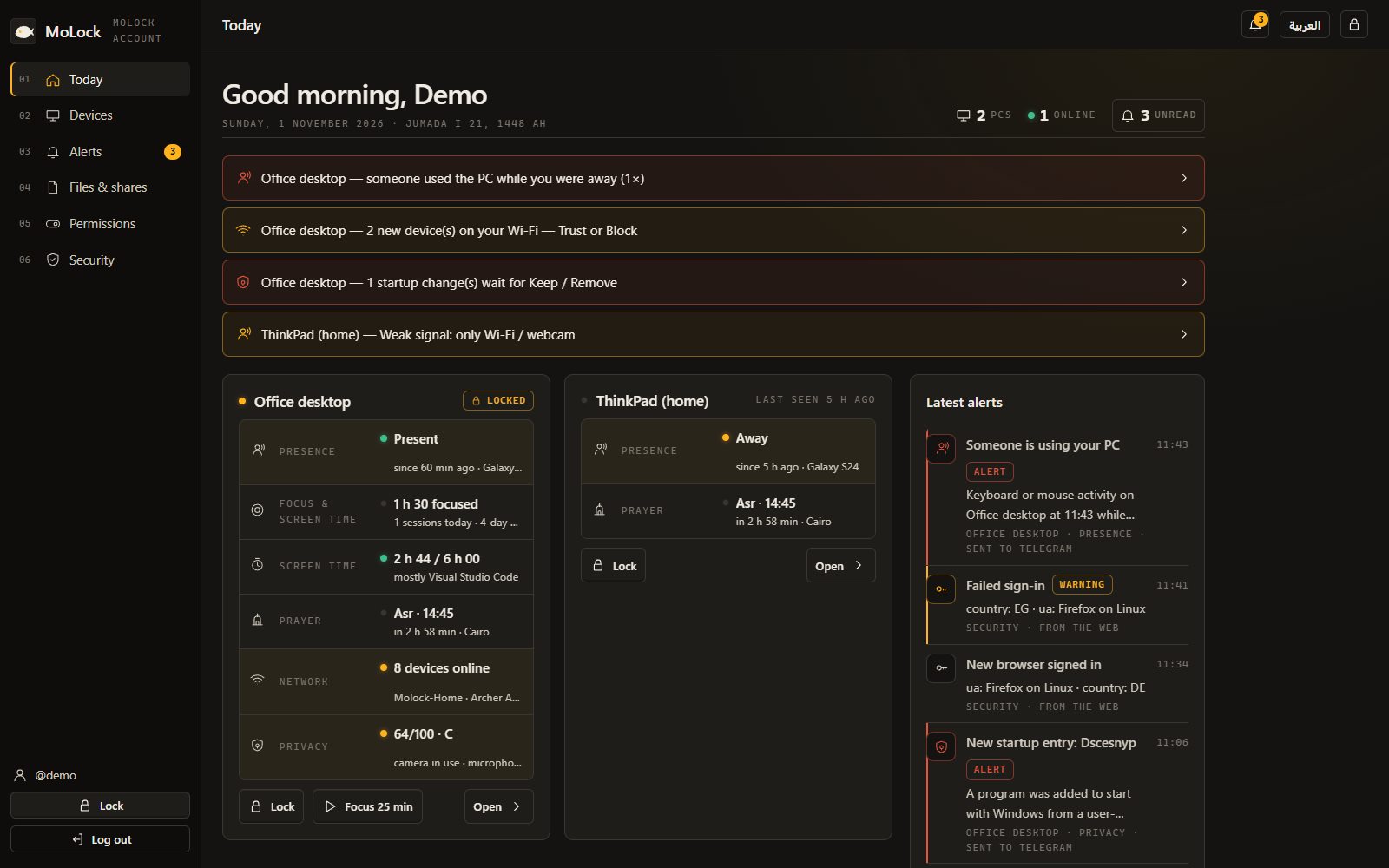
Sign in with your password and a code from the official bot @MoLockOfficialBot, then lock any PC, take a photo, switch on Lost mode or approve an unlock from your phone — if a PC is off, your commands wait until it connects.
- DashboardA page per feature — state, history, settings; the bot follows it
- Sign-inA passkey with your fingerprint, or one "It's me" tap in Telegram
- LinkingScan a QR with your phone, or
/linkto the official bot - EncryptionYour notes, photos and clipboard are end-to-end encrypted
- AlertsEvery sign-in and every remote action is reported to you
YOUR PC
Encrypted here
- Notes, reminders, clipboard
- Attempt photos & screenshots
- The key never leaves
MOLOCK SERVICE
Stores, cannot read
- Sees: type, time, size
- Never sees: text or photos
- Never knows your password
YOUR BROWSER
Decrypted here
- After your password + Telegram code
- On any device
- Every sign-in reported
07 / 17Everyday tools
Tools you use every day. Inside MoLock.
No extra apps, no uploading your files to unknown websites — everything runs on your PC.
ArrowShapesTextStepsBlurPixelateCrop
Name
Card no.
Address
Continue
123PinCopy textCopyShare
Search history…
- Office address — 12 Tahrir St, DokkiSnippet · pinned
- 7ot.app/en/blog/Link · 1 min ago
- Meeting tomorrow at 10 amText · 5 min ago
- Screenshot 1280×720Image · 12 min ago
- A sensitive item was not savedLooks like a password
ABCabcPlain textFix layout
Sync to phone · encrypted · 24 h
Devices and drives
- Local Disk (C:)Local disk
- Data (D:)Local disk
- MoLock Vault (M:)Unlocked · locks with MoLock
The vault locks itself the moment the screen locks — and remotely from your account
86Security score
- Windows SecurityOn
- FirewallOn
- Drive encryptionOff
- Free space41 GB
- Temporary files3.2 GB
- Startup apps9
Clean temporary filesOpen Windows Security
08 / 17Procedure
From download to protected in minutes.
No technical knowledge required — the installer guides every step.
- 01Step 1/4
Download & install
One download and a clear wizard: it installs to Program Files with one administrator approval, adds a desktop shortcut, and needs nothing else.
- 02Step 2/4
Set it up in one flow
Password and recovery code, the lock-screen look and the monitoring style — all in one installer.
- 03Step 3/4
Link your Telegram bot
The wizard guides you step by step, then sends a test message and a complete command guide.
- 04Step 4/4
Stay protected
MoLock locks automatically, watches for anyone approaching or tampering, and you manage your PCs from your account wherever you are.
09 / 17Remote control
Your whole PC in one chat.
A private bot that answers only you, still reachable after you close MoLock — now joined by the official @MoLockOfficialBot, which answers even while your PC is off.
Command transcriptLinked
/lockLock now/photoCamera photo/whereDevice location/pause 2hPause for 2 hours/remind 18:30New reminder/portalYour portal link & status/sirenLoud siren/updateRemote update
/menu- MoLock — Control panel
DESKTOP-MO · Unlocked
Battery 82% · up 3hLockCameraScreenDevice  Someone approached your PC
Locked for 25 minutes · motion at the camera
Photo taken in 640 msAnother photoVideoSirenOK/siren- The siren is sounding on the PC.
10 / 17Incident log · example
What happens when someone approaches your PC?
From the first movement to the evidence on your phone — second by second.
- T+00:00.0Detect
Someone comes near the PC
Even without touching anything, the camera detects the movement and their photo reaches your Telegram in about a second — "👀 Someone came near your PC" — with buttons for another photo, a video or a siren. Touching the mouse or keyboard triggers the same alert.
- T+00:04.2Input
They try a password
There's no box or button to find, and nothing reveals the length of the password.
- T+00:04.8Capture
The attempt is recorded
A photo burst, a clip with sound, a screenshot, the location and what was typed.
- T+00:06.1Sent
The report reaches you on Telegram
Everything arrives in one album from your private bot. If the PC is offline, it's sent the moment the connection returns.
- T+00:06.4Hold
The lock holds
After a few wrong attempts a cooldown begins and Task Manager stays blocked. If someone tries to shut MoLock down, you get a tamper alert with their photo — and the app comes back locked, exactly as it was.
- T+00:41Decide
You decide what happens next
From your phone: see for yourself with
/live 20, leave a note with/lockmsg, or switch the screen off with/screenoff. - T+12:30Clear
You come back and unlock
Type your password at any time — everything that happened is waiting in the evidence timeline.
11 / 17Widgets
Useful at a glance. Precise up close.
Real captures from the lock screen. Every widget has its own size, position and refresh rate.
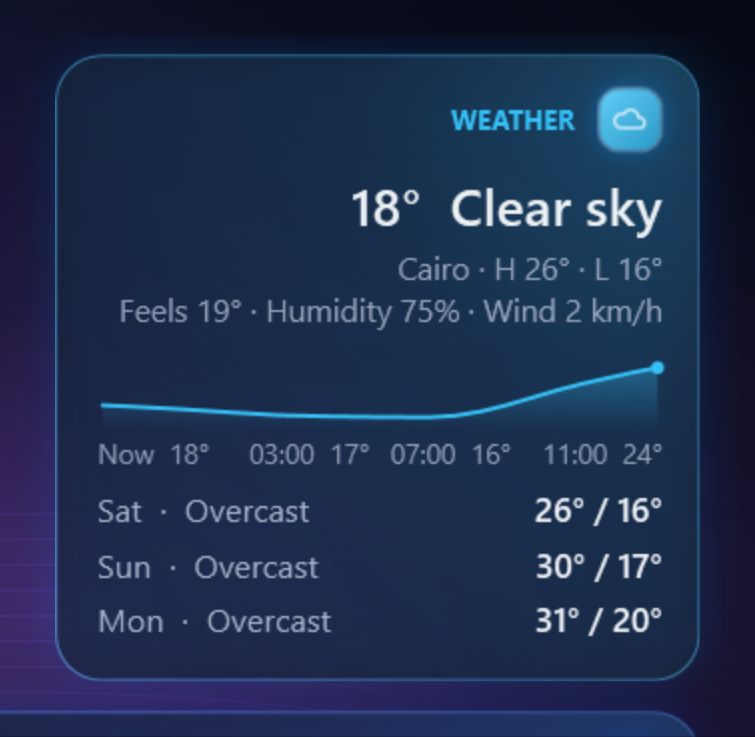
W-01Weather with an hourly chartFeels-like temperature, humidity, wind and the forecast. 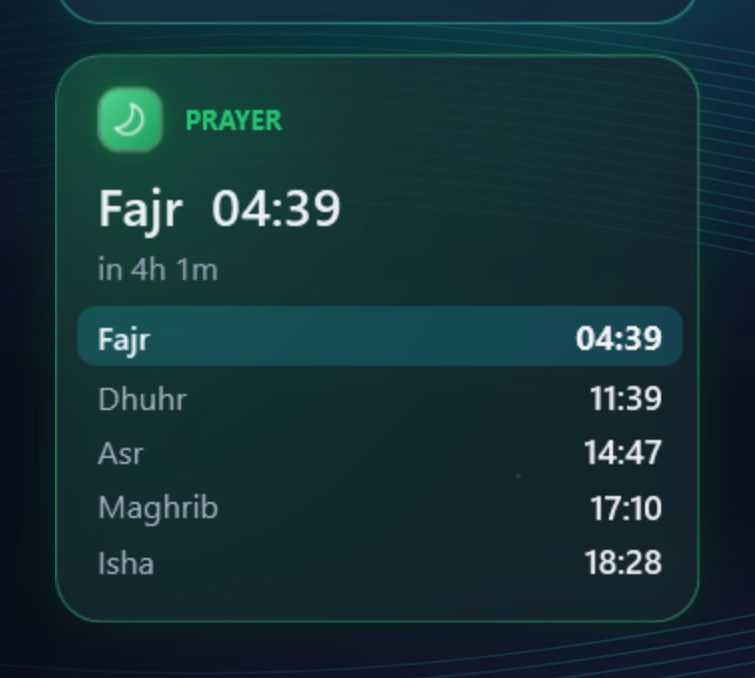
W-02All five prayers, with a countdownPlus the time remaining until the next prayer. 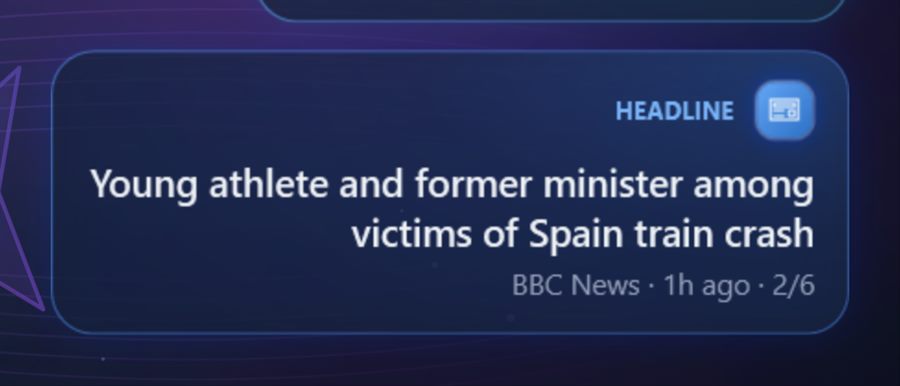
W-03Rotating headlinesIn Arabic or English, from the sources you choose.
12 / 17Who it's for
Protection that fits wherever you work.
- 01
Home & family
Sharing a PC with children or siblings? Your chats and photos stay private, and you know who used it.
- 02
Office
Auto-lock when you step away from your desk, and an instant alert if someone approaches.
- 03
Students
In the library, the lab or a dorm: protect your laptop and projects, and track it if it goes missing.
- 04
Shared PCs
A shop counter, an internet café or a reception desk: scheduled locking and tamper alerts.
- 05
Travel & remote work
Locate the PC, lock it, shut it down — or take full control of it from your phone's browser, wherever you are.
13 / 17Comparison
MoLock vs the built-in Windows lock.
MoLock doesn't replace your Windows password — it adds a layer on top that sees, reports and responds to you.
| Capability | MoLock | Windows lock |
|---|---|---|
| Type-anywhere unlock, with no password box | Yes | No |
| Photos and a clip with sound of every wrong attempt | Yes | No |
| Instant Telegram alerts | Yes | No |
| Camera motion detection while locked | Yes | No |
| An alert and photo if someone tries to close or tamper with it | Yes | No |
| Lock, unlock and control your PC from your phone | Yes | No |
| Locate a stolen laptop | Yes | No |
| A duress password if you are forced to unlock | Yes | No |
| An encrypted personal portal for notes and the unlock history with photos | Yes | No |
| Reminders and to-dos that show even on the lock screen | Yes | No |
| 35 animated themes and 33+ widgets | Yes | PARTLY |
| Prayer times and the Hijri date on the lock screen and desktop | Yes | No |
| Walk-away lock using your phone, watch and Wi-Fi together | Yes | PARTLY |
| Alerts when an app uses the camera or mic, and one-tap off | Yes | PARTLY |
| See who's on your Wi-Fi and block devices | Yes | No |
| Auto-lock when idle or on a schedule | Yes | PARTLY |
| Free | Yes | Yes |
14 / 17Datasheet
Lightweight, compatible. Nothing extra required.
- Operating system
- Windows 10 & 11 (64-bit)
- Download size
- About 70 MB
- Permissions
- One administrator approval at install (Program Files); updates after that are silent and verified
- Languages
- English & Arabic
- Connectivity
- Locking and unlocking work offline; Telegram, weather and updates need a connection
- Resource use
- Lightweight, with adjustable performance modes and a reduced-motion option
- Camera & microphone
- Optional — for evidence and motion detection, and for presence and the shoulder-surfing guard if you turn them on (analysed on the PC, never stored)
- MoLock Remote
- Any modern browser, phones included · end-to-end encrypted · free
- MoLock Account
- Optional & free · end-to-end encrypted · sign-in with a passkey or one tap in Telegramcode
- Price
- Completely free — no ads, no subscription
15 / 17Case files
Everyday situations. MoLock is ready.
Someone sits down at your café table
You locked the laptop and stepped away for two minutes — and from across the room you notice a stranger sitting in front of it.
MoLock Before you're back at the table, their photo is already on your phone — the camera detected the movement although nothing was touched. Tap "🔊 Siren" on the alert and the laptop sounds a loud alarm that gets them up at once.
You step away for a coffee
You leave your desk for five minutes with your inbox on screen, and a passing colleague takes a curious look.
MoLock After the idle time you choose, the screen locks itself, with an optional countdown warning first. If anyone comes close — even without touching anything — the camera detects the movement and their photo reaches your Telegram in about a second.
A sibling ends MoLock from Task Manager
Your brother heard that any app can be ended from Task Manager, so he tries it on MoLock to have the PC to himself.
MoLock MoLock comes straight back — still locked if it was locked — and you receive a tamper alert with his photo, so you know who tried and when, without an argument.
Your laptop is stolen
The laptop disappeared from your bag. Once someone opens it and it goes online, you have tools to help.
MoLock Get its detailed location and a map pin, have it report its position every few minutes, and quietly photograph whoever is using it. Then hand that information to the authorities.
Someone tries to guess your password
Someone sits down and starts guessing: your birthday, your name, 123456…
MoLock Before they type a single key, the camera has detected them and their photo is on your phone. Then each wrong attempt becomes an evidence report: a photo burst, a clip with sound, a screenshot, the location and what they typed — in one Telegram album. After a few attempts, a cooldown begins.
Kids and the family PC
The living-room PC holds your work and accounts, and the children like to use it without asking — especially late at night.
MoLock MoLock locks after a short idle time and can lock on a schedule, such as bedtime. No one can open Settings or quit the app without the password.
17 / 17From the blog
Read before you decide. In plain words.
Introducing MoLock 3.0: one home at 7ot.app
Version 3.0 is the biggest step since MoLock Account: one address for everything, your own inbox inside the app, family controls, a much faster converter and an install that is far harder to tamper with. Here is what changed, and what deliberately did not.
Your free 7ot.app email: a private inbox in MoLock
MoLock 3.0 can give you an email address of your own on 7ot.app, free. Here is how to choose a good handle, how the inbox works, and, honestly, what its encryption does and does not cover.
Parental controls done right: limits kids can live with
Parental controls work when children understand them and fail when they feel like surveillance. MoLock 3.0 adds a family group built on that idea: clear limits, a calm bedtime and a polite way to ask for more.
16 / 17FAQ
Before you download
Is MoLock free?
What's new in MoLock 3.0?
What's the difference between Free and Premium?
What is MoLock Account?
What's the difference between the official bot and my personal bot?
I forgot my password. What should I do?
/resetpassword even while the PC is locked. If none of these is available, MoLock Fix closes the app and returns the PC to normal.